
Portfolio / Editorial / Technology
Technology explained
How to choose a TV
Panels, resolution, HDR, refresh rate, sound and screen size: what each one changes, and which to prioritise for your room.
Pavinci Group editorial. Original text written for this portfolio demonstration; no products were tested.
Independent portfolio demonstration by Pavinci Group. Not affiliated with, endorsed by, or sponsored by What Hi-Fi? or Future plc. All trademarks belong to their respective owners.
Choosing a television used to be a question of size and price. Today the spec sheet is full of acronyms: OLED, QLED, Mini-LED, HDR10+, Dolby Vision, VRR, eARC. Most of them matter to someone, but rarely all of them to the same person.
This guide explains the decisions that make the biggest difference to what you see and hear, in the order we would make them: the panel technology, resolution, HDR support, refresh rate and gaming features, sound and, finally, the right size for your room. Along the way it points out details that product pages tend to bury, such as which HDMI ports support the fastest standard. It does not recommend specific models. Use it as a checklist when you read a review, browse a comparison or stand in front of a wall of screens in a shop.
Panel types: OLED, QLED and Mini-LED
The panel decides how deep the blacks look, how bright highlights get and how the picture holds up from the side of the room.
OLED. Every pixel produces its own light and can switch off completely. The result is true black, very high contrast and wide viewing angles, which makes OLED a favourite for films in a dim room. The trade-offs are peak brightness, often lower than the brightest LCD TVs, especially across the whole screen, and a risk of image retention if the same static elements, such as news tickers or game interfaces, stay on screen for very long periods. Modern sets include features designed to reduce that risk.
QLED. A QLED TV is an LCD TV with a quantum dot layer that improves colour and brightness. Because the panel is lit from behind, blacks depend on the backlight and its dimming. QLEDs can be very bright, which helps in sunny rooms, but contrast and viewing angles vary widely between models.
Mini-LED. Mini-LED is also LCD, with a backlight made of many more, much smaller LEDs grouped into dimming zones. More zones let the TV dim dark areas while keeping bright ones bright, so contrast gets closer to OLED while brightness stays high. The visible weakness, when it appears, is blooming: a faint halo around bright objects on a dark background.
You will also see QD-OLED, which combines OLED pixels with quantum dots to push colour and brightness further while keeping per-pixel control.
| OLED | QLED (LCD) | Mini-LED (LCD) | |
|---|---|---|---|
| Black level | True black, per pixel | Depends on the backlight | Deep, thanks to local dimming |
| Brightness | Good; lower across the full screen | High | Very high |
| Viewing angles | Wide | Varies by panel | Varies by panel |
| Best for | Films in a dim room | Bright rooms, everyday TV | Bright rooms and HDR |
| Watch out for | Static image retention | Greyish blacks on basic models | Blooming around highlights |
Brightness wins in a sunny room. Contrast wins after dark.
Resolution

4K, or 3,840 x 2,160 pixels, is the standard for almost every TV from about 43 inches upward, and it is what streaming services, consoles and 4K Blu-ray deliver. 8K TVs offer four times as many pixels, but there is very little native 8K content, and at normal viewing distances the difference is hard to see.
Upscaling, the processing that adapts lower-resolution sources to fill the screen, matters more day to day. Much broadcast and streamed content is still below 4K, and good processing makes it look cleaner. For small TVs in kitchens or bedrooms, Full HD can still be a sensible, cheaper choice.
HDR formats
High dynamic range (HDR) video carries more information about brightness and colour than standard video. How good it looks depends on the TV’s brightness and contrast, but format support decides what the TV can use.
| Format | Metadata | Where you will find it |
|---|---|---|
| HDR10 | Static | Every HDR TV and source; the baseline |
| HDR10+ | Dynamic | Some TV brands, some streaming services and discs |
| Dolby Vision | Dynamic | Many streaming services and 4K Blu-rays; not supported by every TV brand |
| HLG | None (broadcast format) | Live and broadcast TV |
Dynamic metadata lets the picture be adjusted scene by scene rather than once for a whole film. Not every TV supports both dynamic formats, so if most of what you watch comes from one streaming service, check which formats it uses and make sure the TV supports them. A TV can also accept an HDR signal without being bright enough to show it well: the panel and its peak brightness matter as much as the logo on the box.
Check the HDMI ports, not just the number on the box.
Refresh rate and gaming
Refresh rate is how many times per second the picture updates. Most TVs are either 60 Hz or 120 Hz native, and some newer models go higher for PC gaming. Be wary of large motion figures on the box: marketing terms built around motion often describe processing rather than the panel’s native refresh rate.
For gaming, the key standard is HDMI 2.1, which enables 4K at 120 Hz, variable refresh rate (VRR) and auto low latency mode (ALLM). VRR matches the TV to the frame rate the console or PC is producing, which reduces tearing and stutter; it may be listed as HDMI Forum VRR, AMD FreeSync or NVIDIA G-SYNC Compatible. ALLM switches the TV into game mode automatically to cut input lag.
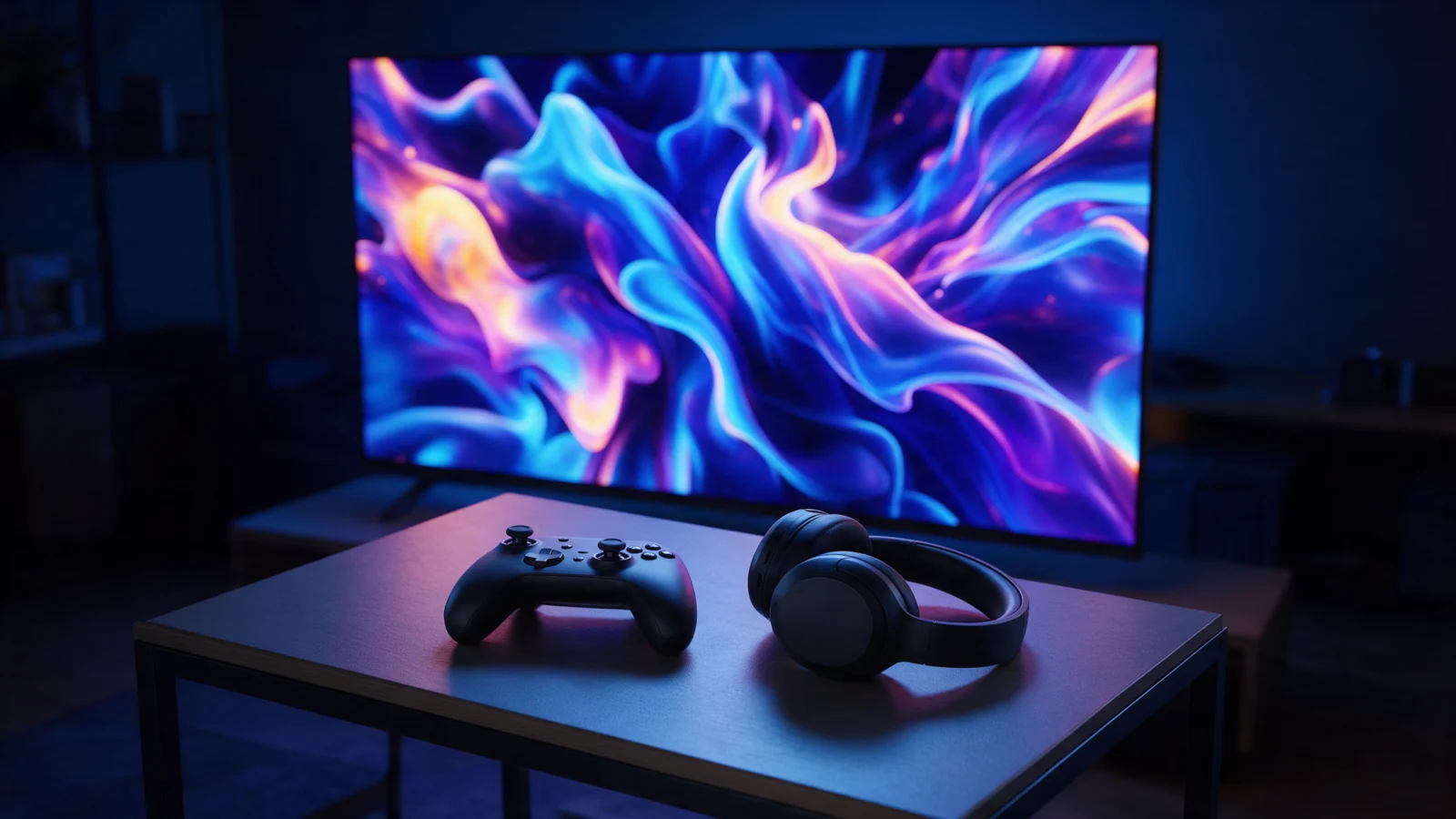
Check how many HDMI ports support these features. Some TVs offer them on only two inputs, and one of those may also be the eARC port you need for a soundbar. If you have more than one console, or a console and a gaming PC, that can matter more than any other specification.
Sound
Slim TVs leave little room for speakers, so bass and volume are limited on many models. Some TVs support Dolby Atmos, but built-in speakers can only approximate the height effect. If sound matters to you, budget for a soundbar or a speaker system.
The port to look for is HDMI eARC. It sends audio from the TV’s apps and connected devices to a soundbar, including lossless and Dolby Atmos formats that the older ARC standard cannot carry in full. Some TVs and soundbars from the same brand also let the TV speakers and the soundbar work together: useful, but not essential.
Size versus viewing distance
Bigger is not always better, but most people who upgrade wish they had gone a size up rather than down. For 4K, a common rule of thumb is to sit at roughly 1 to 1.5 times the screen’s diagonal. Much closer and you may notice pixels or turn your head to follow the action; much further and you lose the detail you paid for.
| Screen size | Diagonal | Suggested distance (approx.) |
|---|---|---|
| 43" | 1.09 m | 1.1 to 1.6 m |
| 50" | 1.27 m | 1.3 to 1.9 m |
| 55" | 1.40 m | 1.4 to 2.1 m |
| 65" | 1.65 m | 1.7 to 2.5 m |
| 75" | 1.91 m | 1.9 to 2.9 m |
| 85" | 2.16 m | 2.2 to 3.2 m |
Treat the table as a starting point. Measure the space for the TV itself, including the stand’s footprint: some designs have feet at each end and need a wide surface, while others use a central pedestal. If you plan to wall-mount, check the VESA pattern and the weight.
Other things worth checking
- The smart platform, and whether it carries the apps you use
- The number and type of ports, including USB and optical audio
- Energy consumption, especially for large screens
- Warranty length and local support
Smart platforms deserve a minute of attention. Most TVs run the manufacturer’s own operating system or a third-party platform, and app availability, update policy and voice assistants vary between them. If a streaming service you rely on is missing, an external streaming stick solves the problem, but it occupies an HDMI port and adds another remote.
Picture processing is the other hidden variable. Two TVs with the same panel type can look quite different because of how they handle upscaling, motion and tone mapping, the process that adapts HDR content to the brightness the screen can actually produce. Reviews that compare sets side by side are the best guide here, since processing rarely shows up in a specification table.
Finally, think about the room around the screen. A bright window opposite the TV favours a model with strong anti-reflection treatment, while a dedicated dark room rewards contrast above everything else.
Conclusion
Start with your room and your habits. In a bright room, prioritise brightness and anti-glare; for films after dark, prioritise contrast. Choose 4K in the largest size your space allows, confirm support for the HDR formats your services use and, if you play games, count the HDMI 2.1 ports. Then add a soundbar if sound matters. With those choices made, comparing individual models becomes much simpler.
Related reading